Free
No card needed
1 office, up to 5 members
Walk up to a teammate and the call starts. Open the editor and redraw the whole office, live.
Walk into a meeting room, or up to someone on the open floor, and the call starts. Walk out to leave.
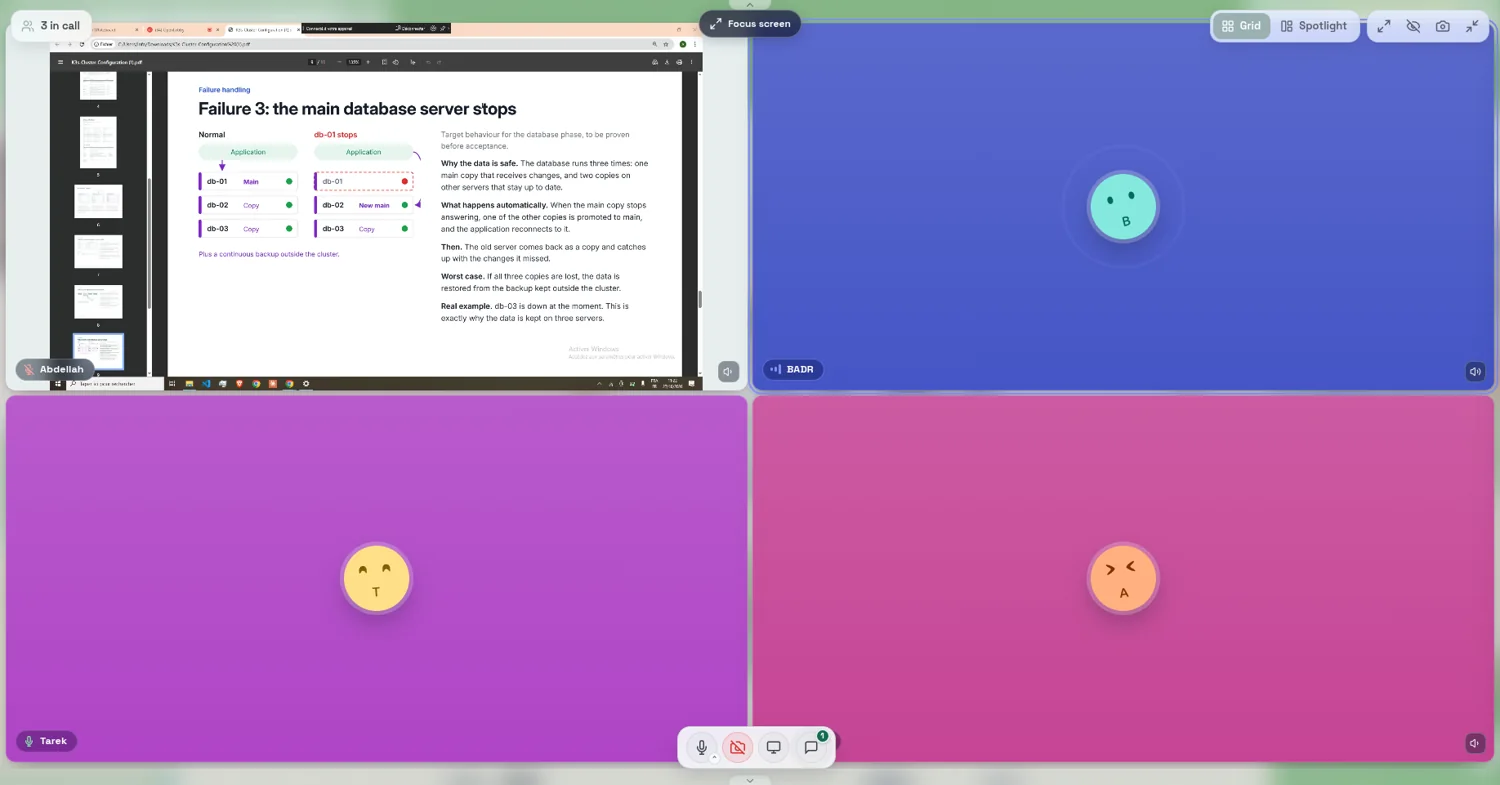
Everyone inside is in the room call. Lock the room to keep others out.
Stand next to someone and a proximity call starts.
Mic, camera, screen share, reactions and chat, in one bar.
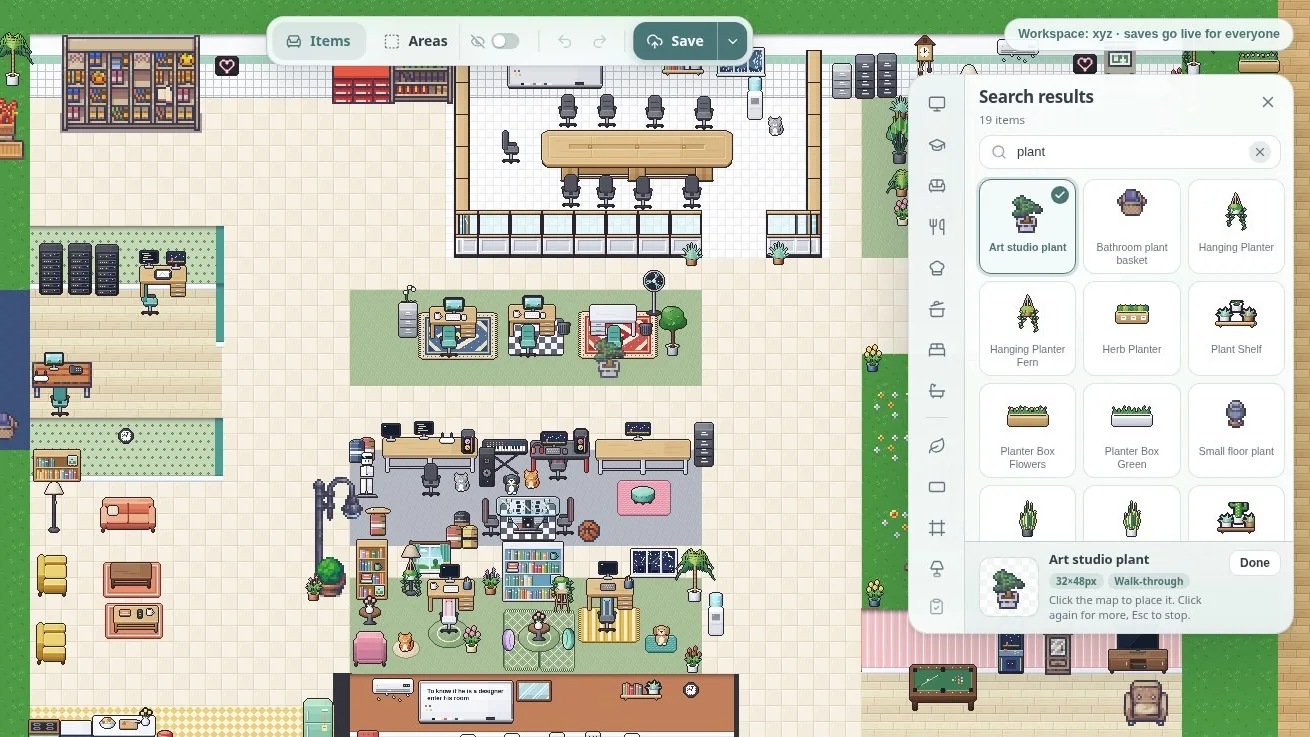
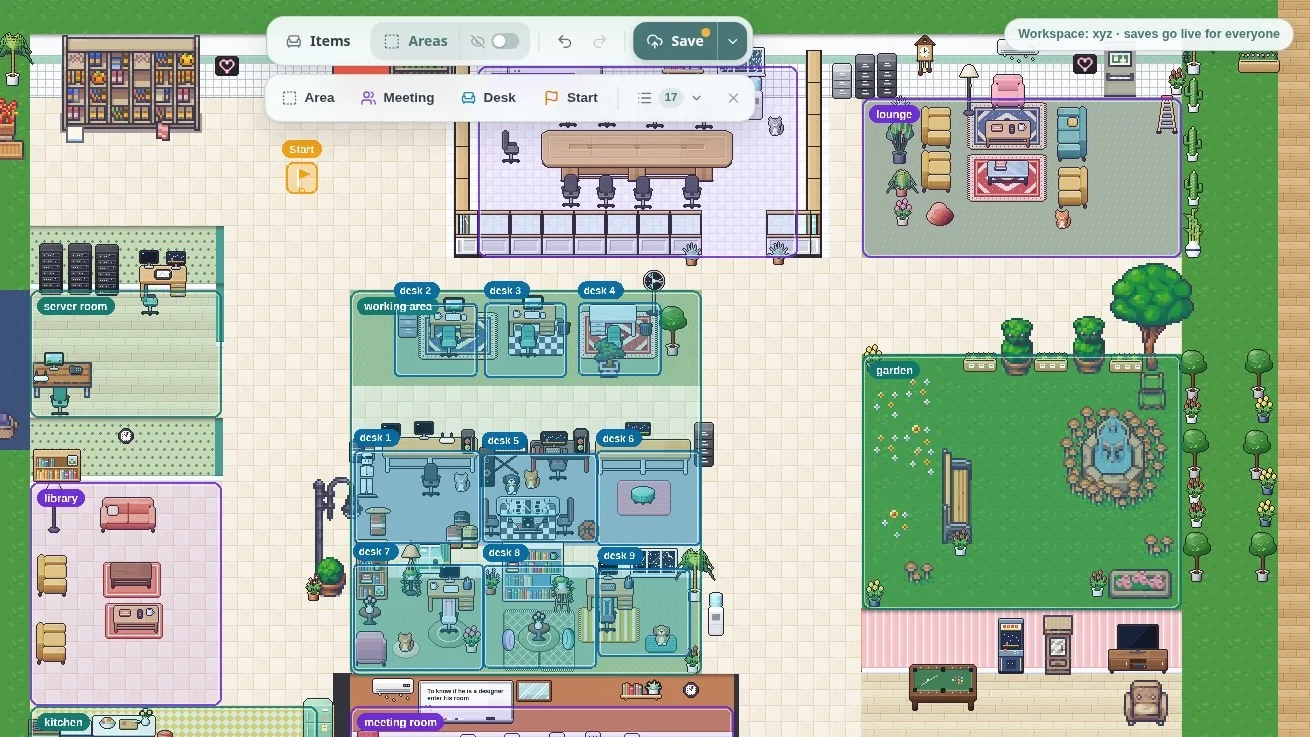
Admins get an Edit office button. Move desks, add furniture and draw meeting rooms, then save. Everyone's map updates with no reload.
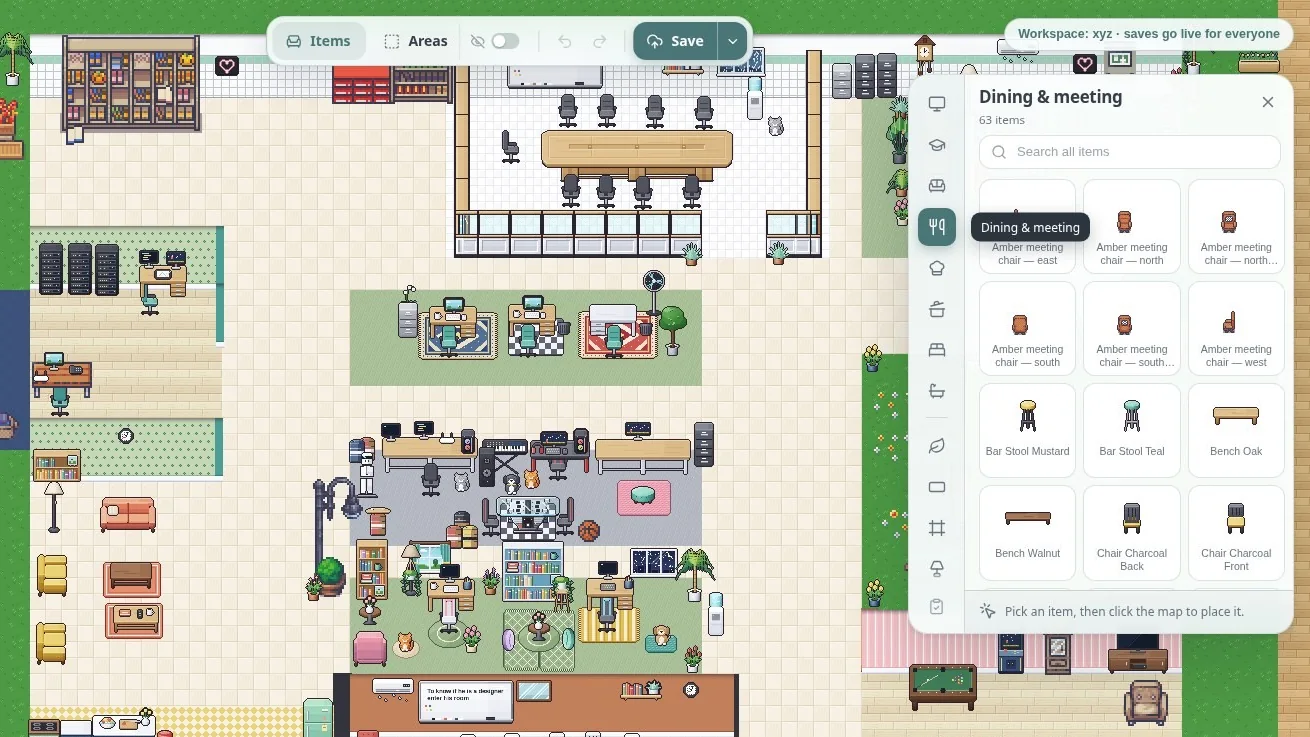
Furniture and decor, searchable by name.
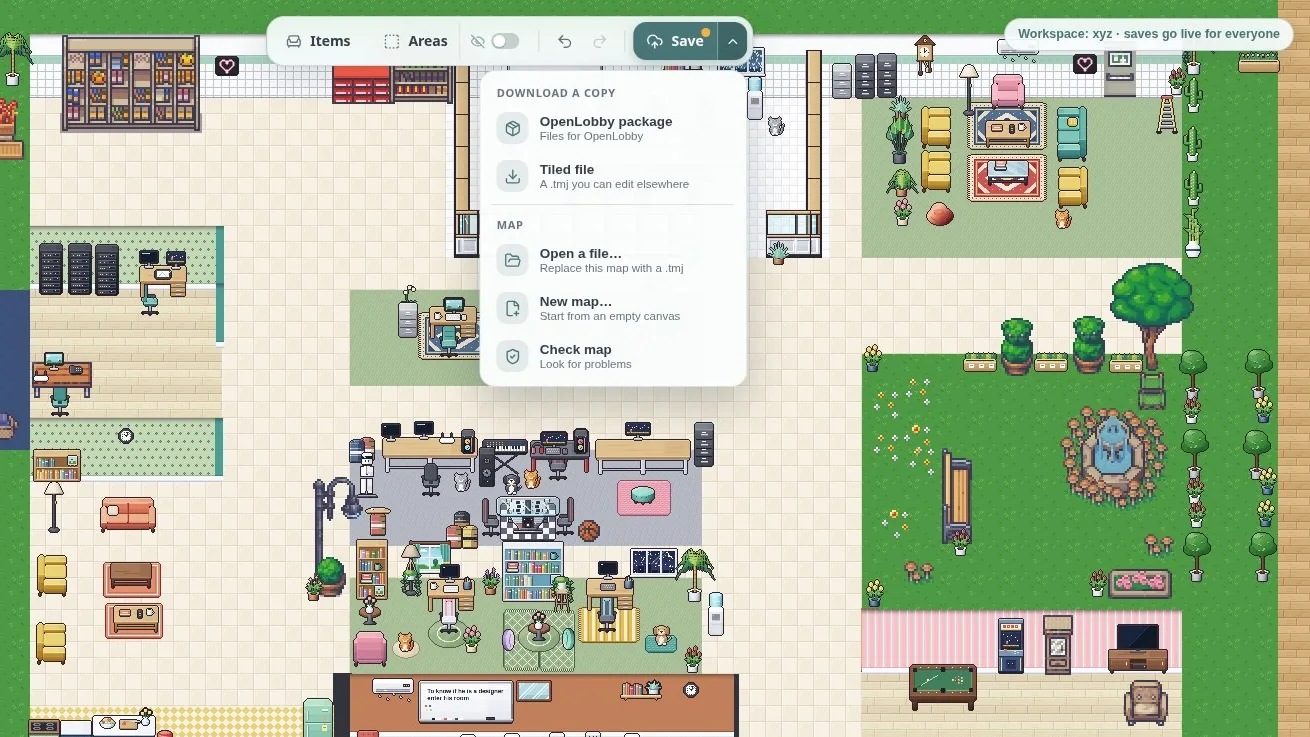
Every saved map keeps its version.
Walk the map before anyone else does.
Saving updates every map, no reload.
Press E in a meeting room to open a shared whiteboard. The call stays visible while you draw.
Shapes, arrows, text, freehand and images.
Saved boards you can open again.
Import from Google Drive, download or upload.
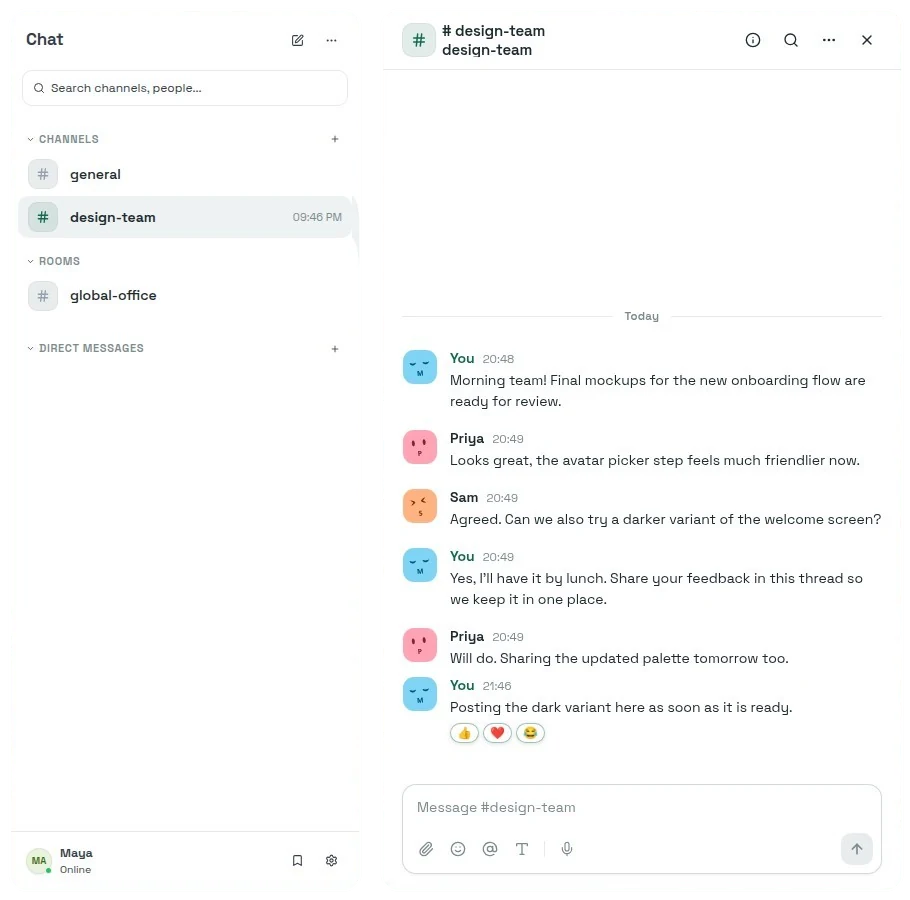
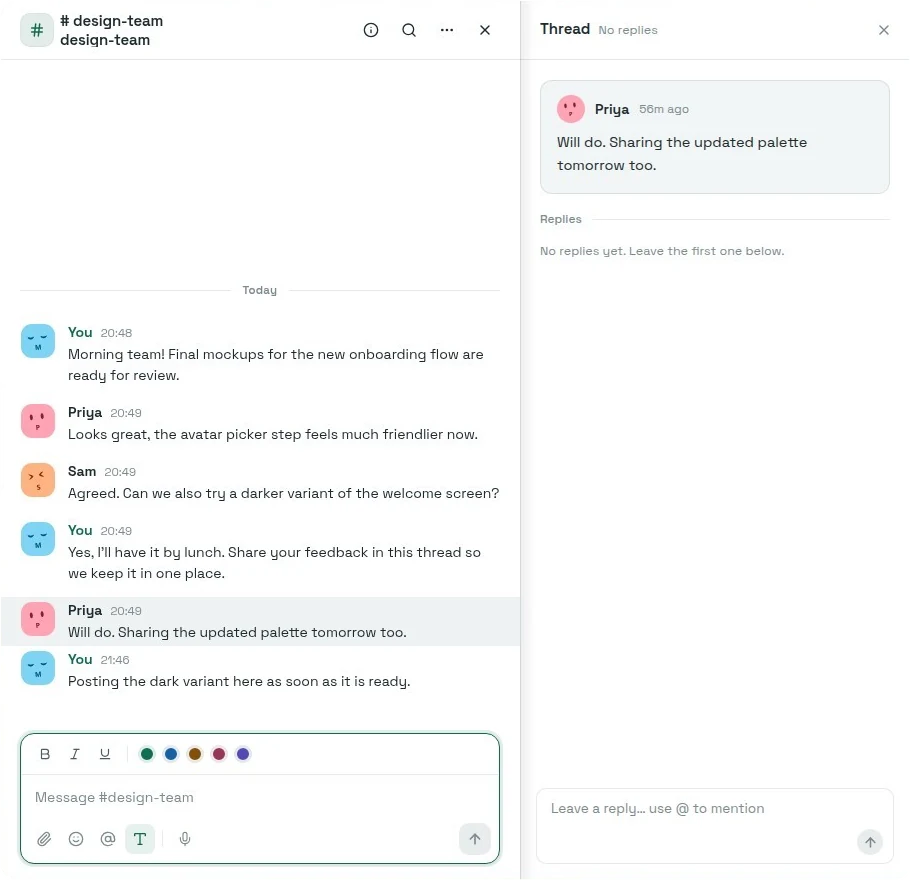
Channels, rooms and direct messages in a slide-over panel, so the conversation never leaves the office.
Public or private, plus direct messages.
Conversations tied to where you are in the office.
Reactions, replies and threads.
Attachments, voice messages and saved messages.
Bold, italic, colours, @mentions, emoji and GIFs.
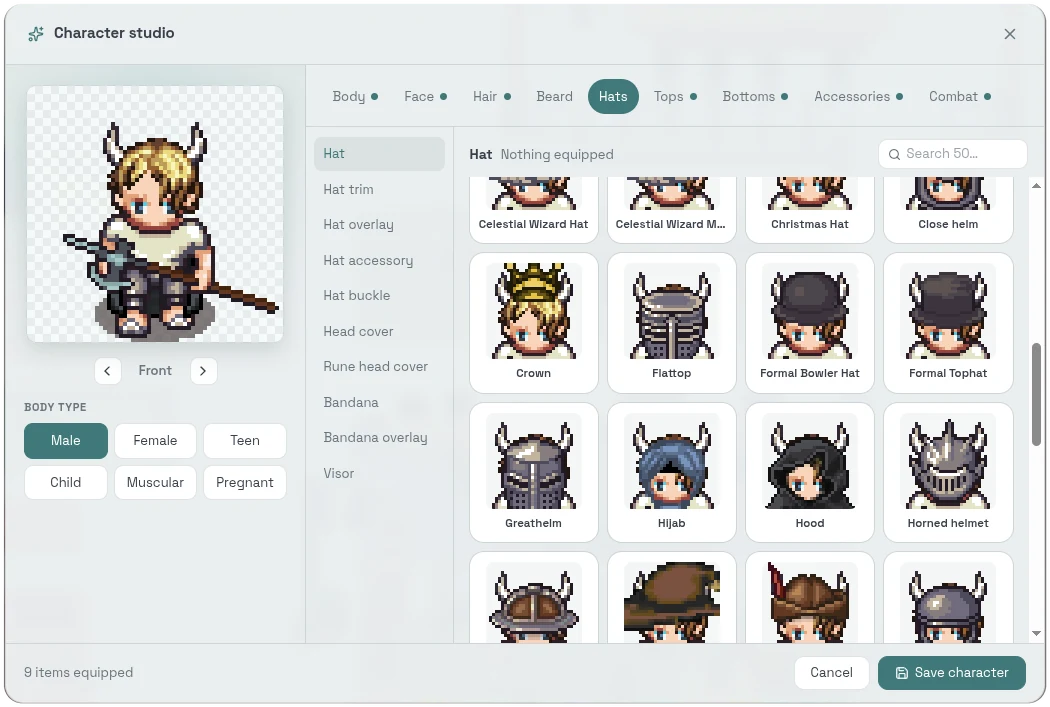
Six body types and nine categories, with colour steppers for every part. Save and it appears on the map right away.
88 hair styles alone, each in many colours.
Check every side before you save.
Face avatars for chats and call tiles, or upload a photo.
Simplified mode shows initials instead of a character.
The tools your team reaches for between calls.
Google Calendar and Drive, with today's events and automatic Do Not Disturb during meetings. GitHub activity, repositories and pull requests.
Set your status, see who is online and jump to them.
Remind yourself or the whole organization. An Upcoming card on the map shows what is next.
Broadcast rich-text updates to everyone and keep a history. Everyone can react.
Upload, search and filter shared files, or add from Google Drive. Invite with the office URL, a 7-day link or by email.
Claim a desk and teammates know where to find you.
Audio and video, keys, performance, language and time zone.
WASD, arrow keys or click. Run, jump, sit, zoom and pan.
Sign in with Google, an emailed code or a password. There is a chat-first mobile view too.
All Business features, no card needed. Afterwards, keep the free plan or choose a plan.
We'll walk through a live session together. No slides, no sales script. Just OpenLobby running on infrastructure dedicated to your team.